BAD-Assets is a library of digital assets ideal for use in anti-designs.
This library contains 50 digital assets in the form of PNG images with transparent backgrounds. Each are 1024px on the longest edge, at 200 DPI. All images are flat black, and are useful for masking (see examples below), or for use in any of your own custom graphics.
The asset image files are found in the following directories:
The library includes a utility classes CSS library, which is found at:
core/bad-assets/bal.css
We can reserve space on a page for each asset by using the aspect-ratio property, like so:
.bad.asset.asset-name
Where asset-name is any of the classes listed in the Assets section below.
By default, bad-asset elements are 100% of the width of their containers. However, we can scale down the size of the asset ranging from 10% to 75% of the width of the container by applying any of these classes:
For example, if we want to create a bad asset that is one-third the width of it's container, we would have:
.bad.asset.asset-name.medium
We can also flip bad-asset elements on either the x, y, or both axis:
If we wanted to flip a medium bad-asset on both the x and y axis, we would have:
.bad.asset.asset-name.medium.flip-xy
.medium
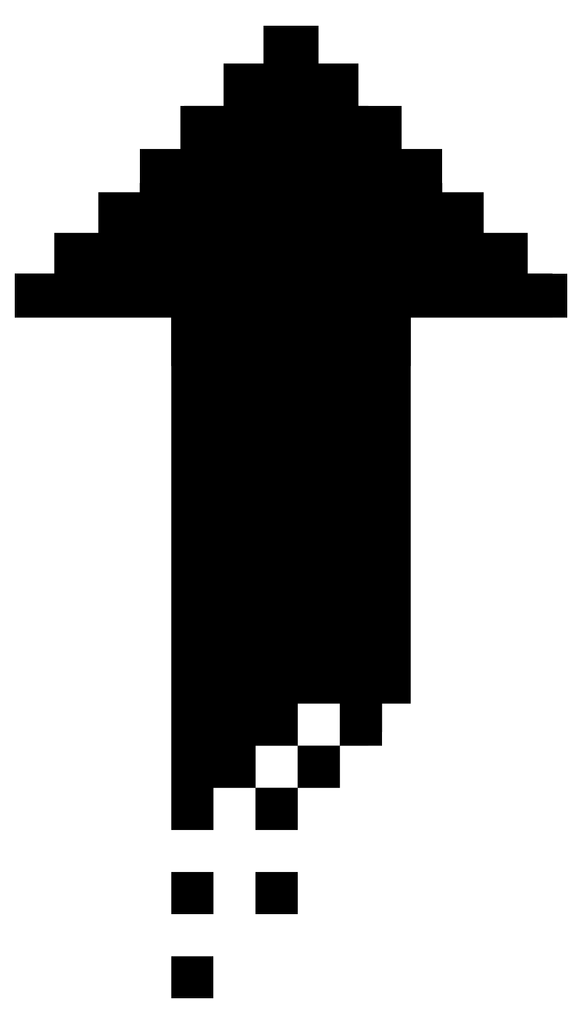
.medium.flip-xy
In the basic rendering examples below, we display the PNG image over gradient backgrounds.
.basic-chaos
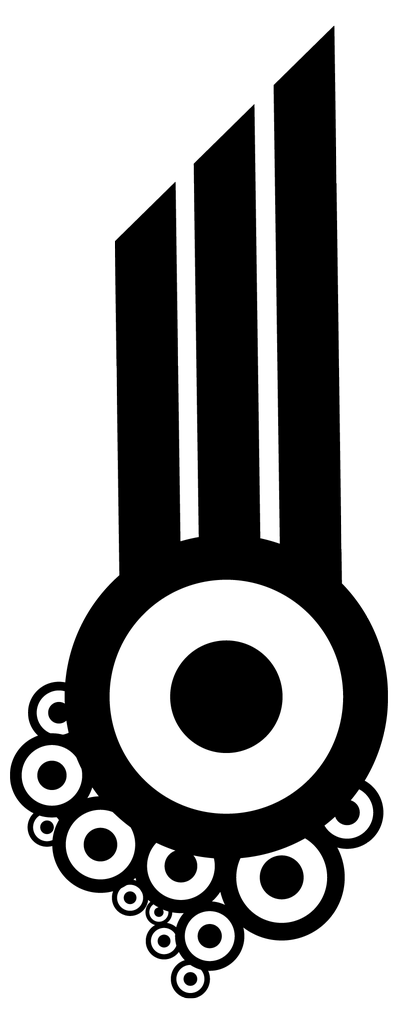
.pixelated-up
.corner-chaos
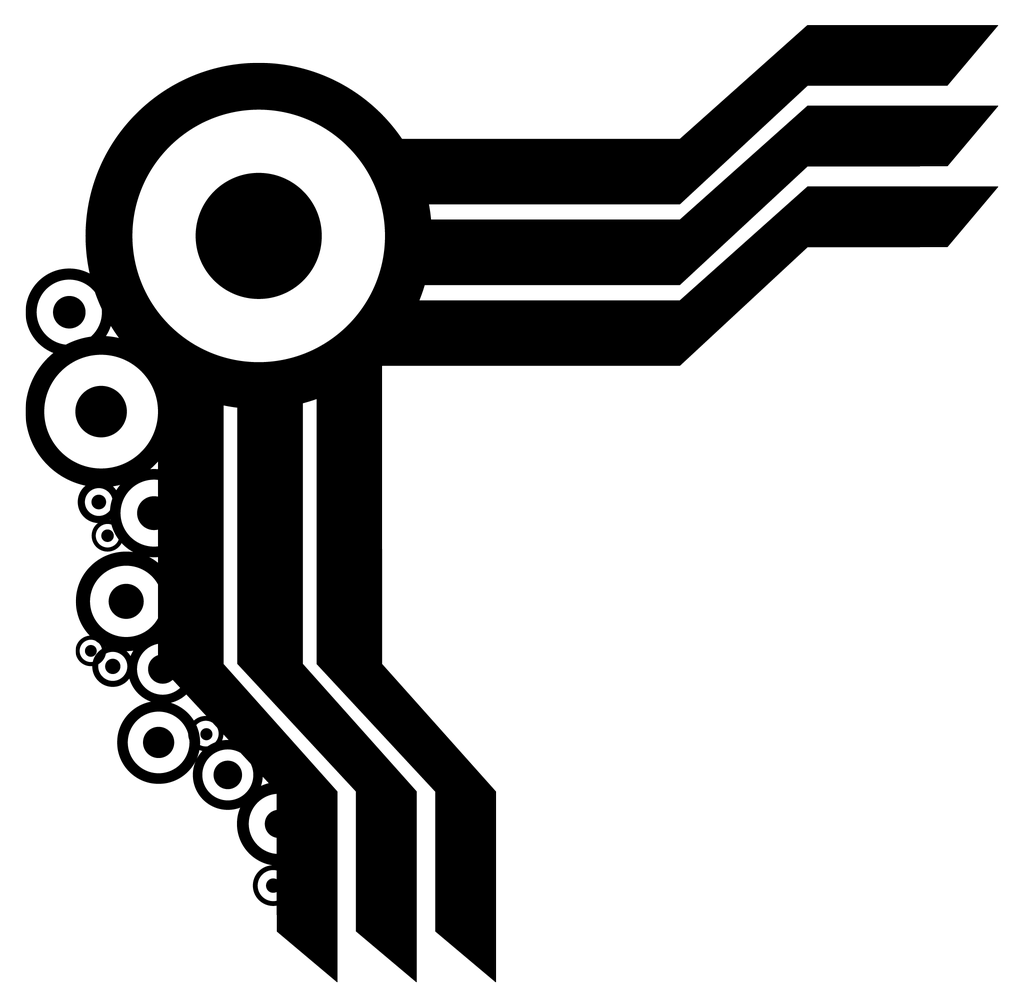
.dusty-chaos
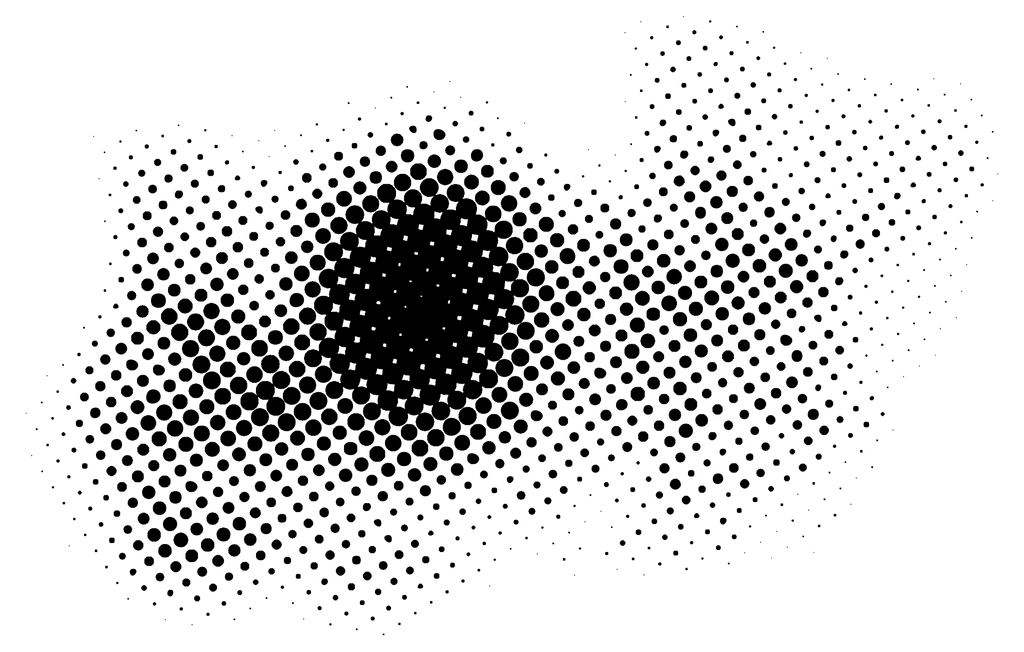
.group-chaos
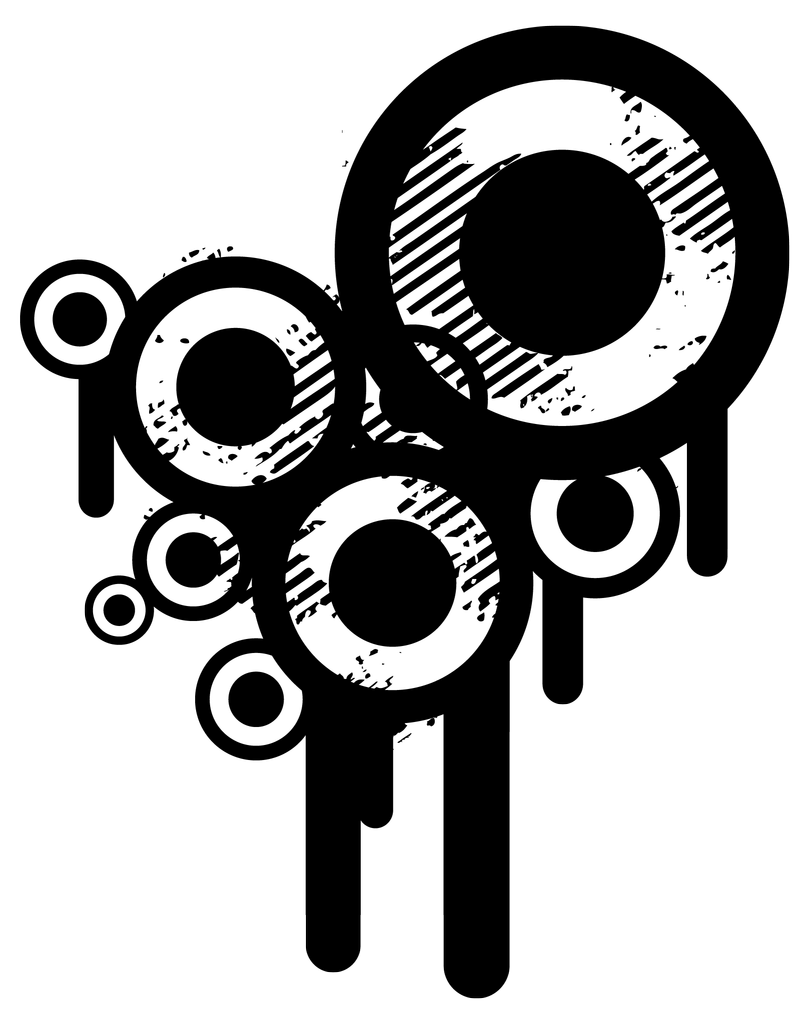
.leaking-chaos
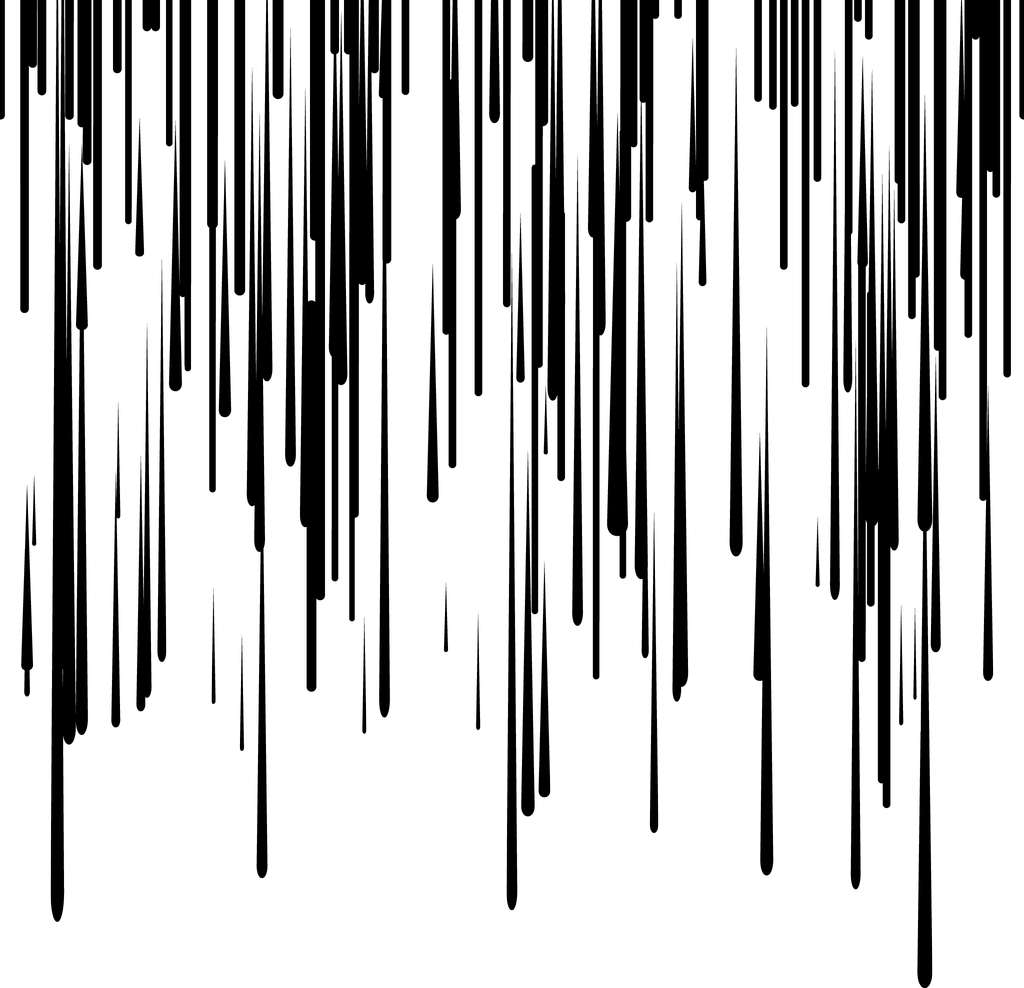
.middle-chaos
.perforated-chaos

.peak-chaos
.central-chaos
.screen-chaos
.sparking-chaos
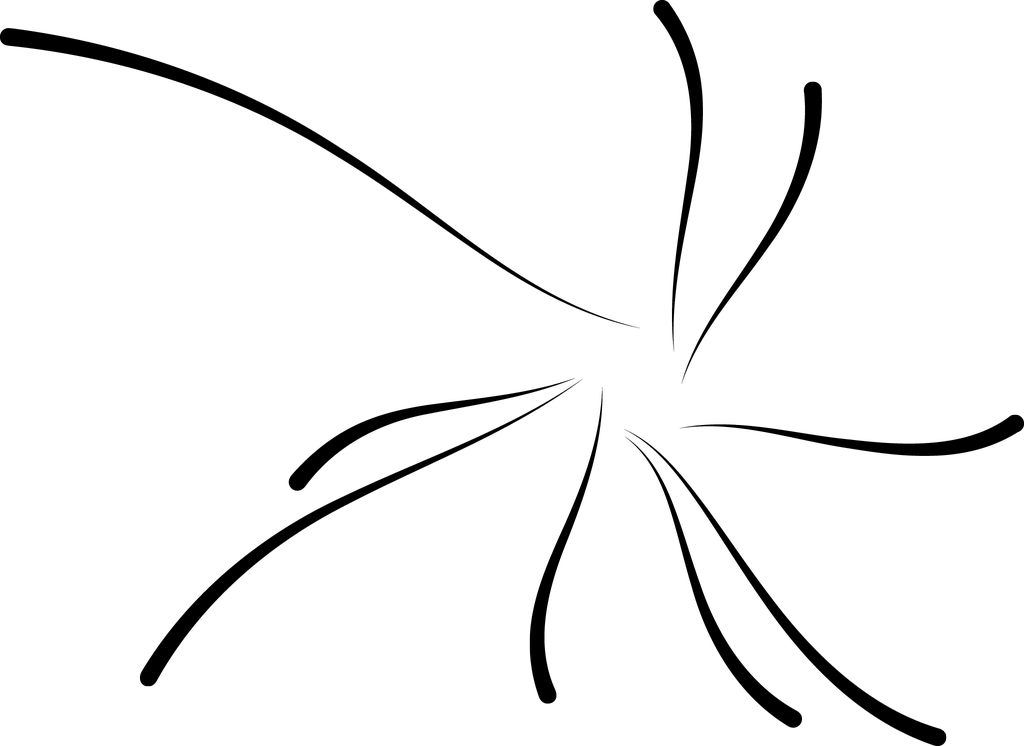
.splat-chaos
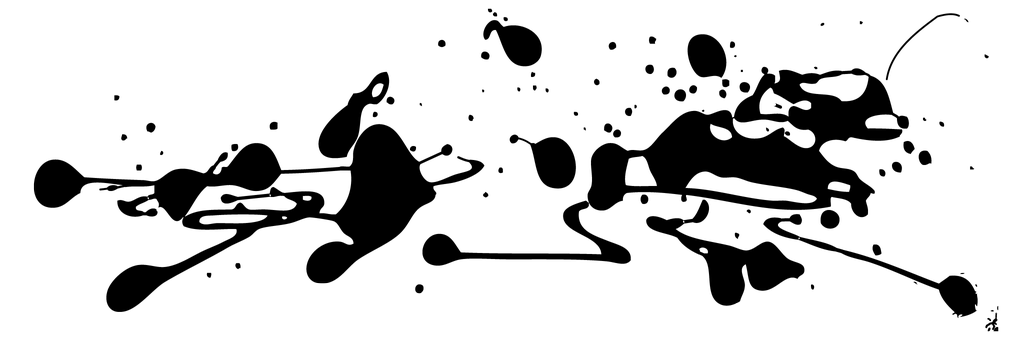
.stained-chaos
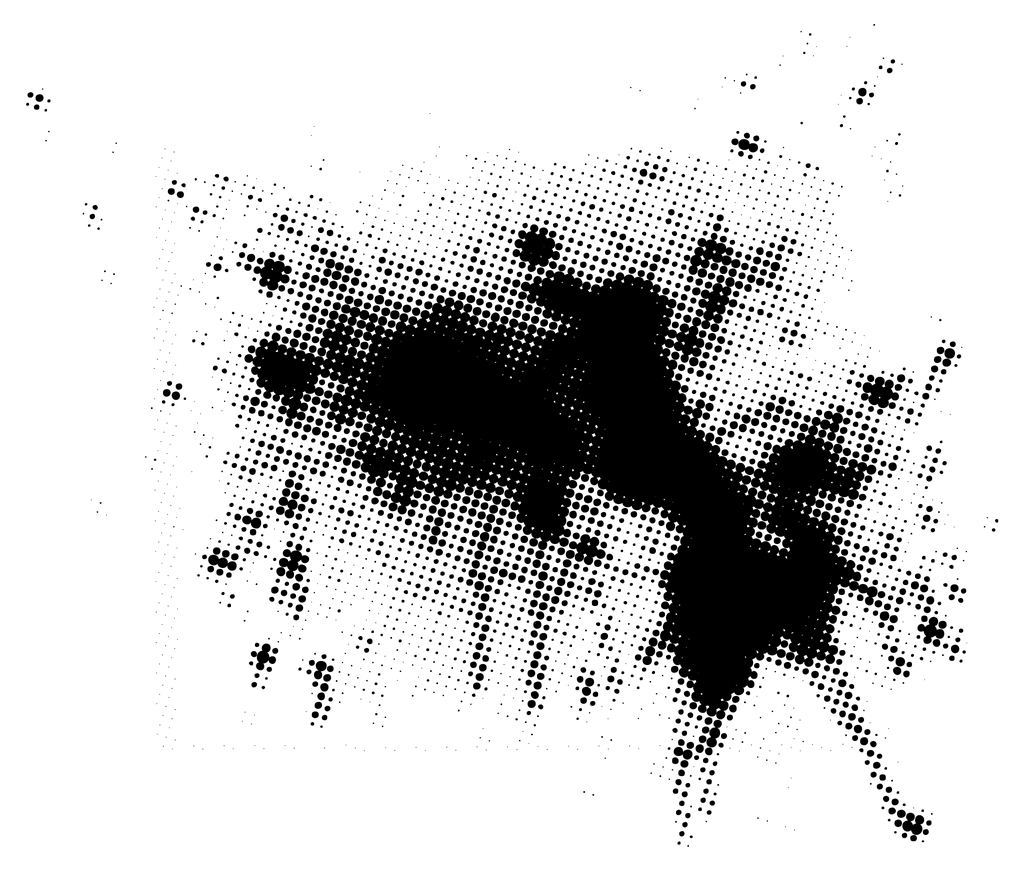
.stroke-chaos
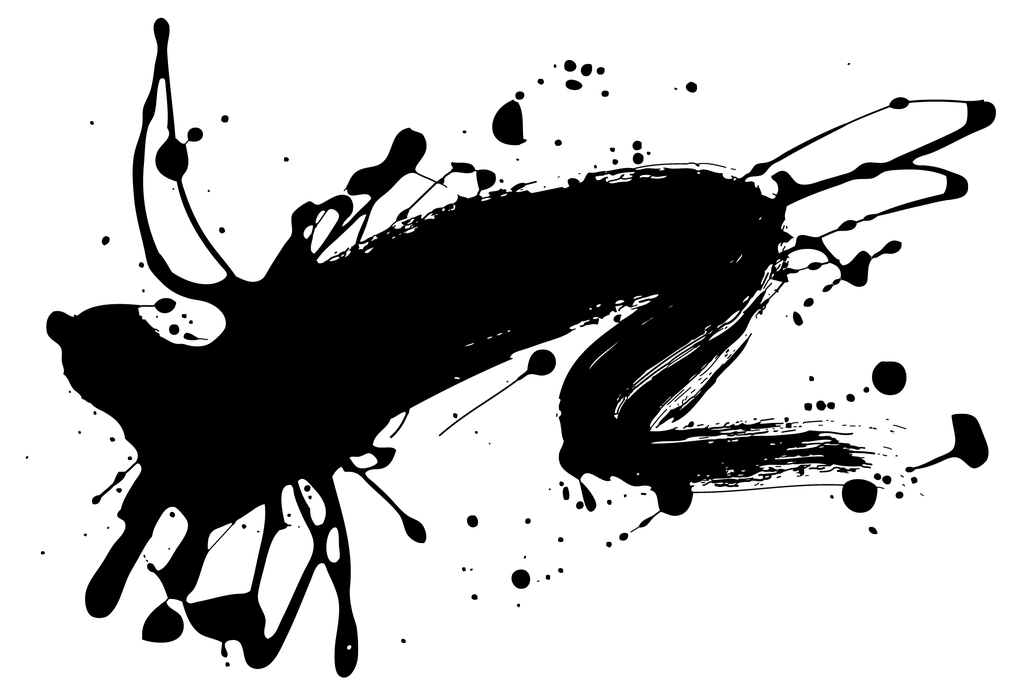
.turning-point
.grunge-bar
.grunge-bar-alt
.grunge-area
.grunge-frame
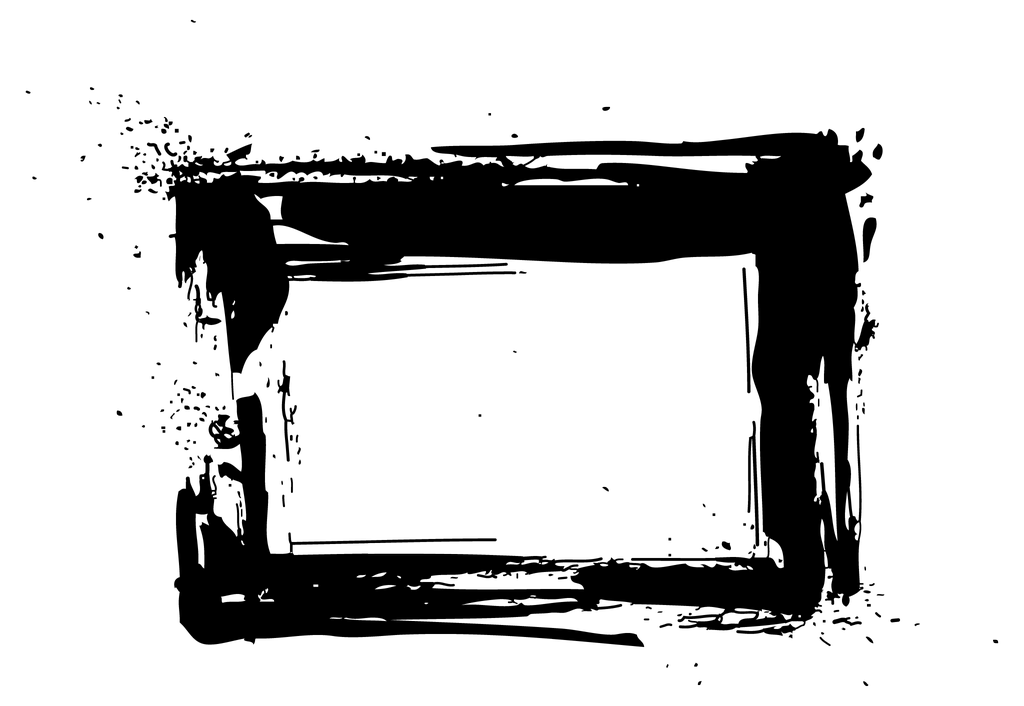
.grunge-mess
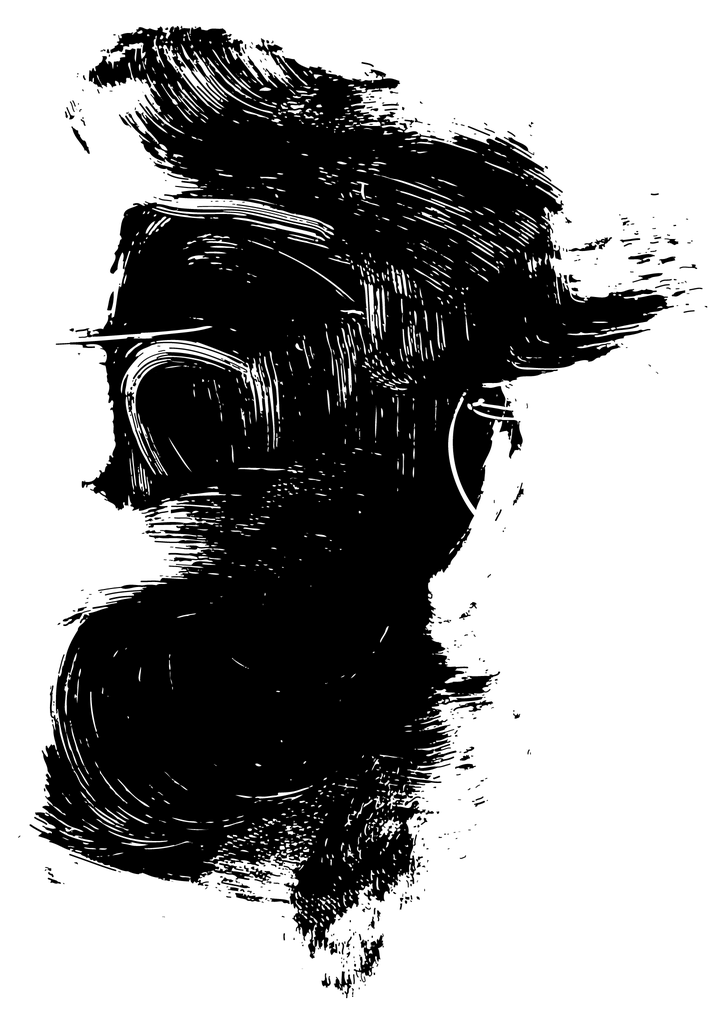
.grunge-ring
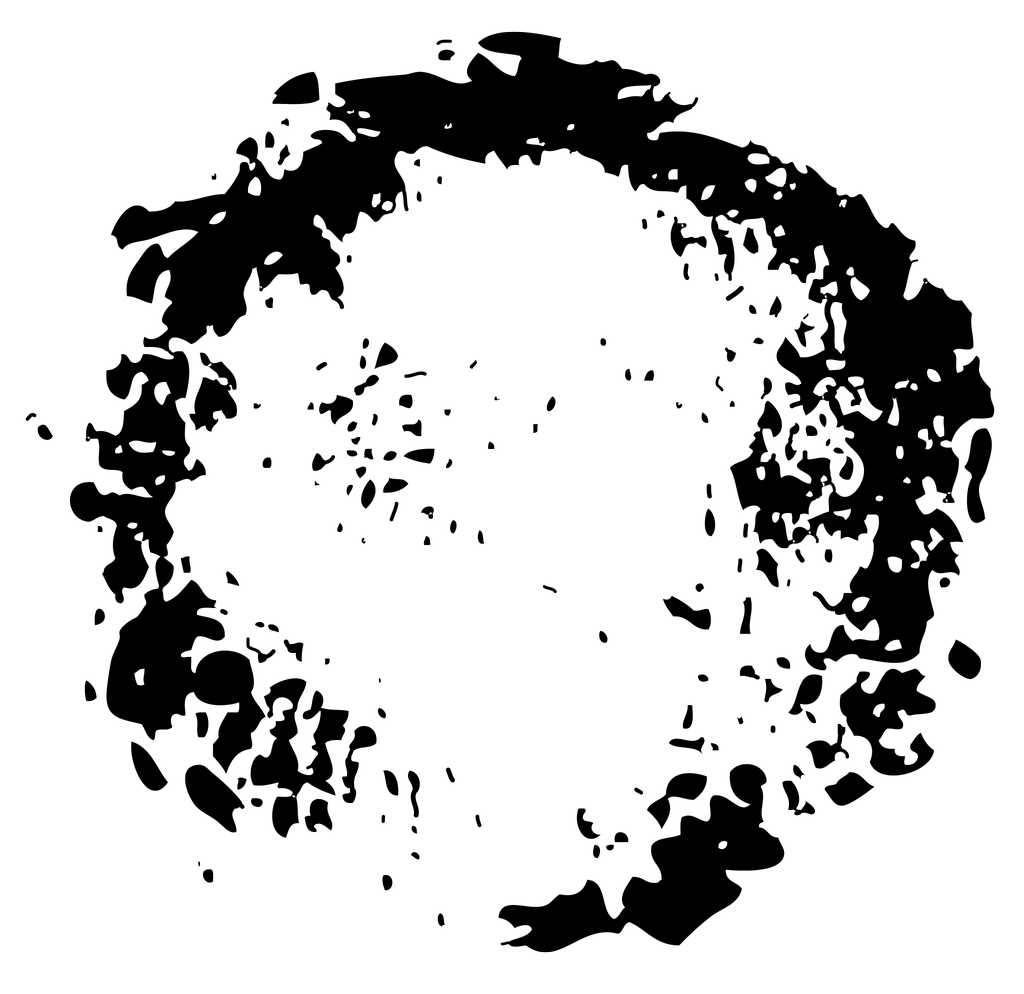
.grunge-square
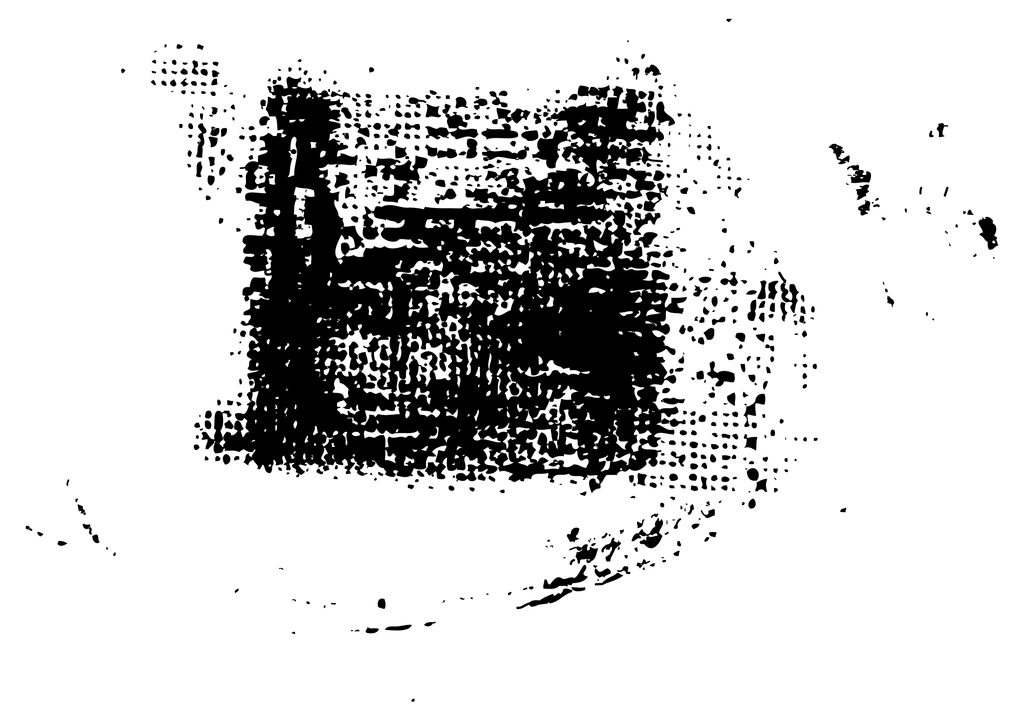
.grunge-stroke
.grunge-yield
.x-grunge
.halftone-circle-blend
.halftone-circle-retro
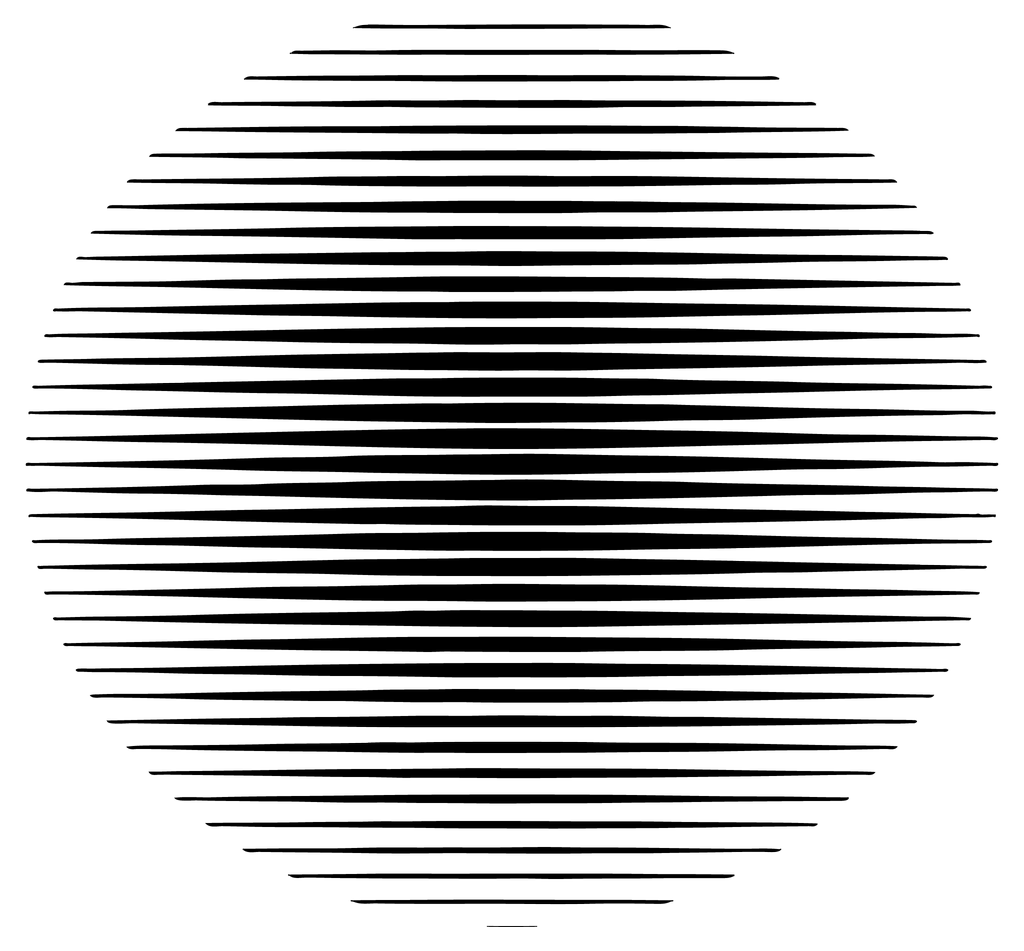
.halftone-slices
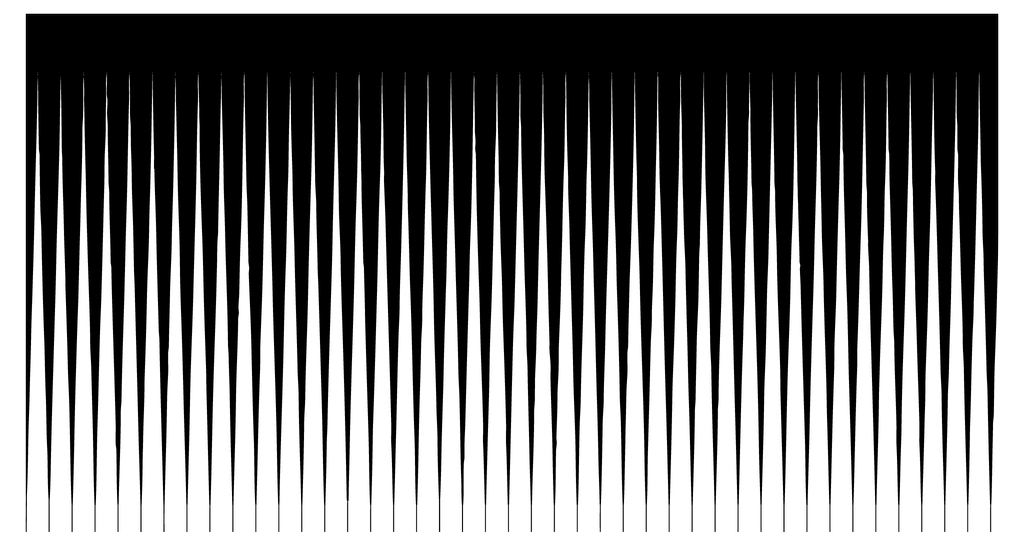
.halftone-tiles
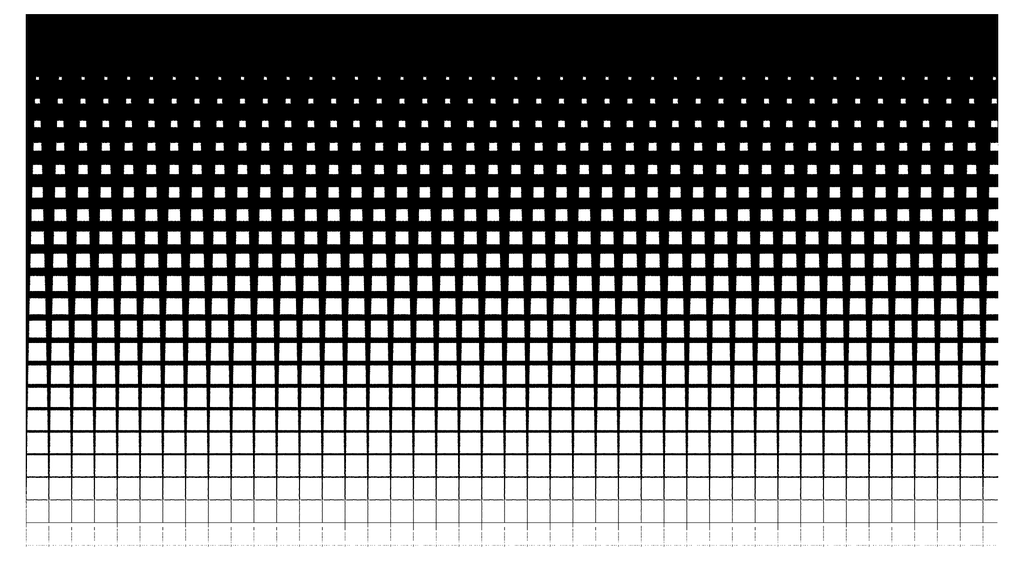
.halftone-dispersion
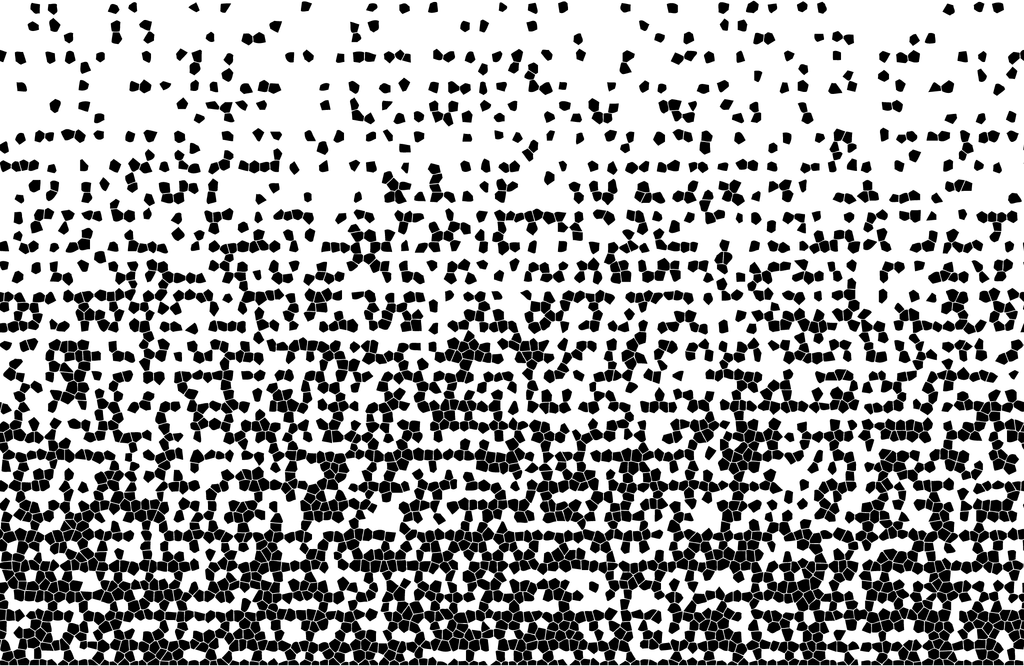
.halftone-retro-tiles
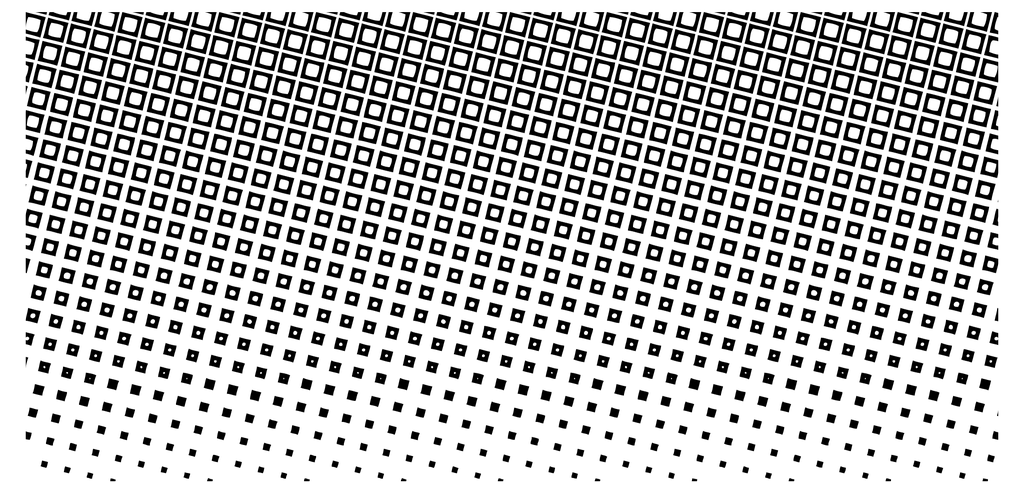
.halftone-zigzag
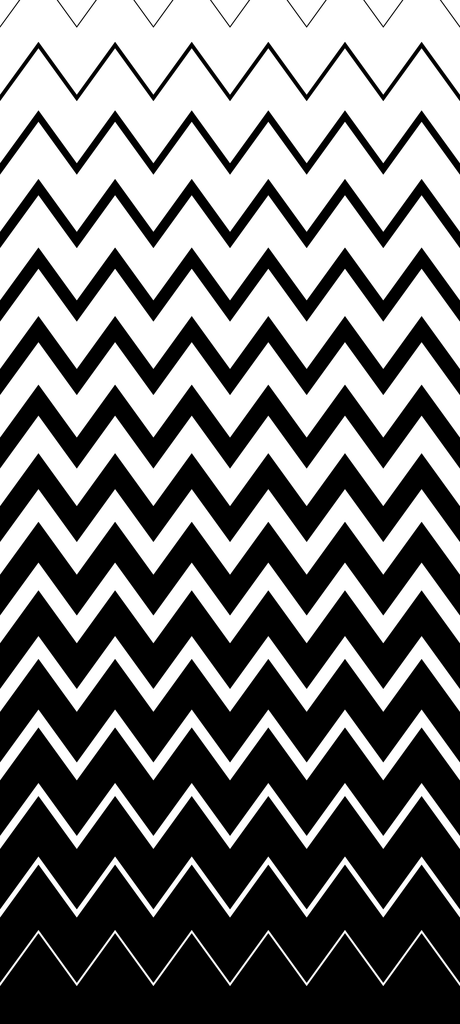
.angry-scribble
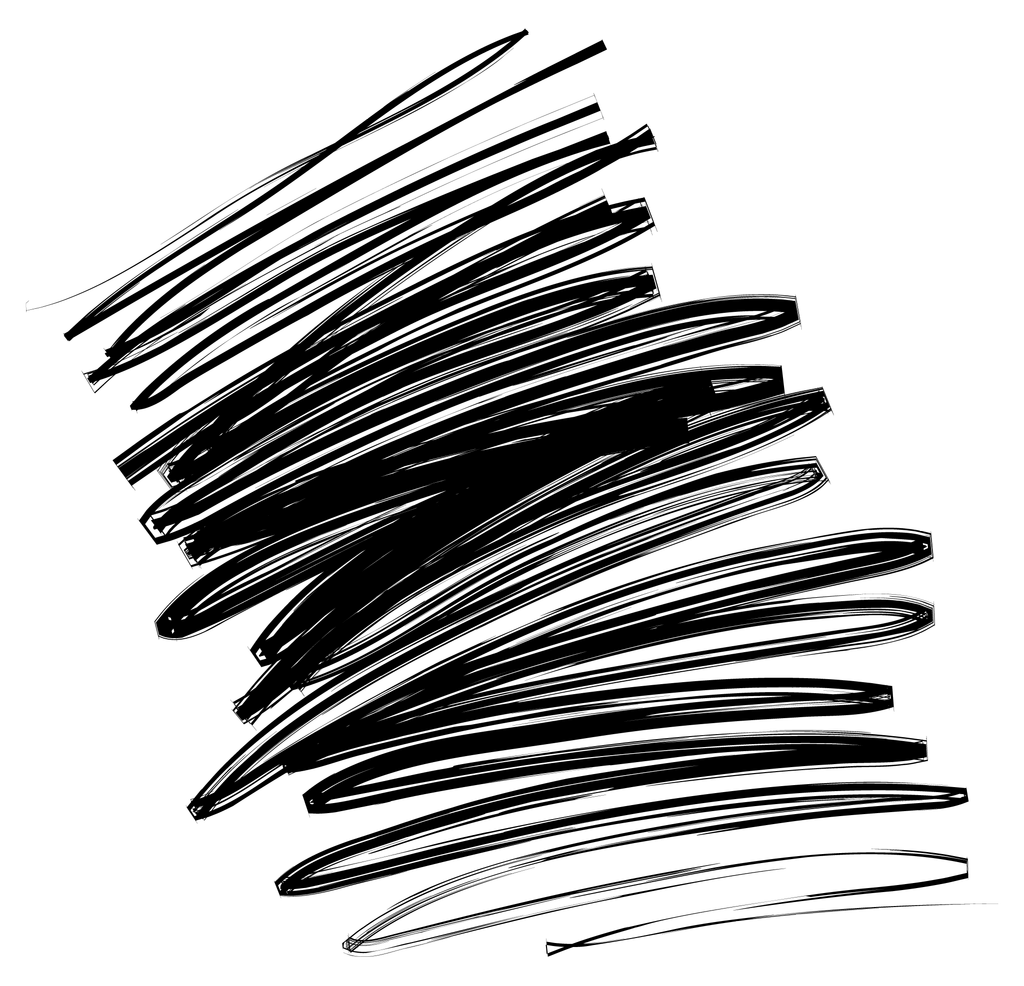
.love-scribble
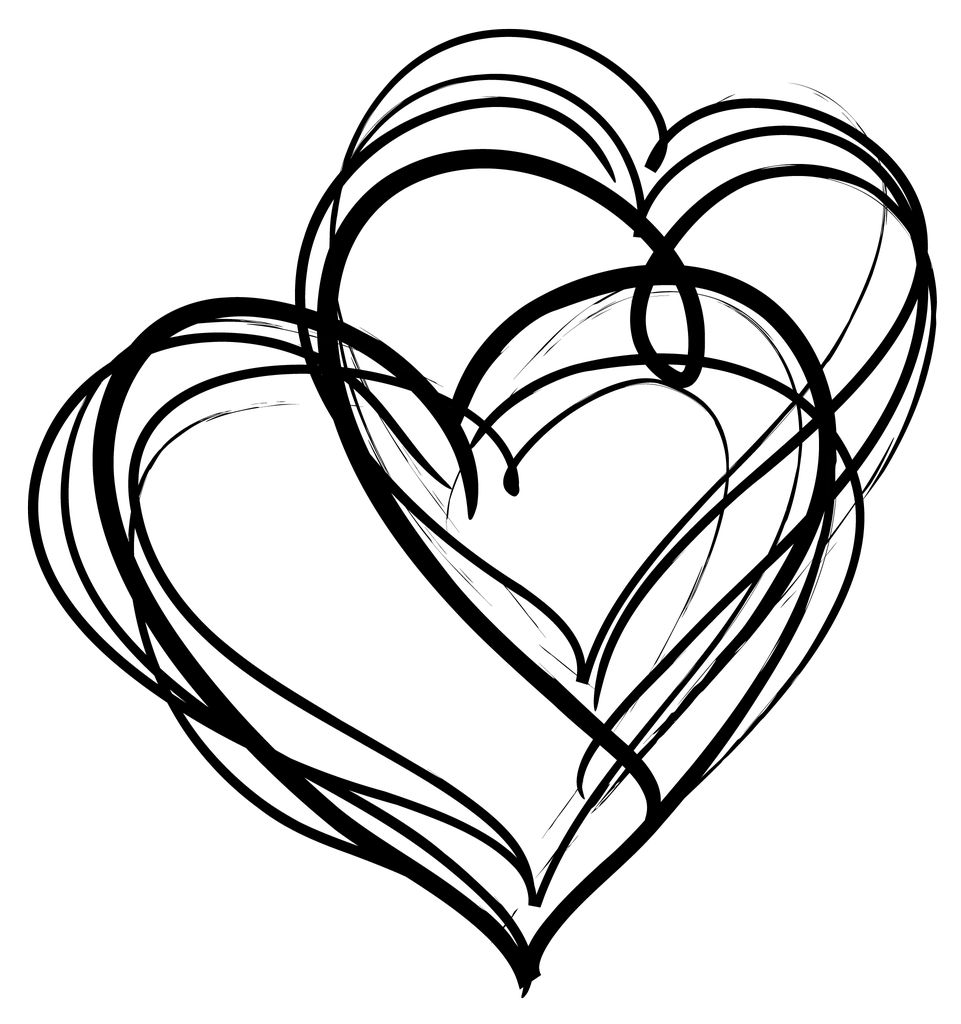
.new-directions
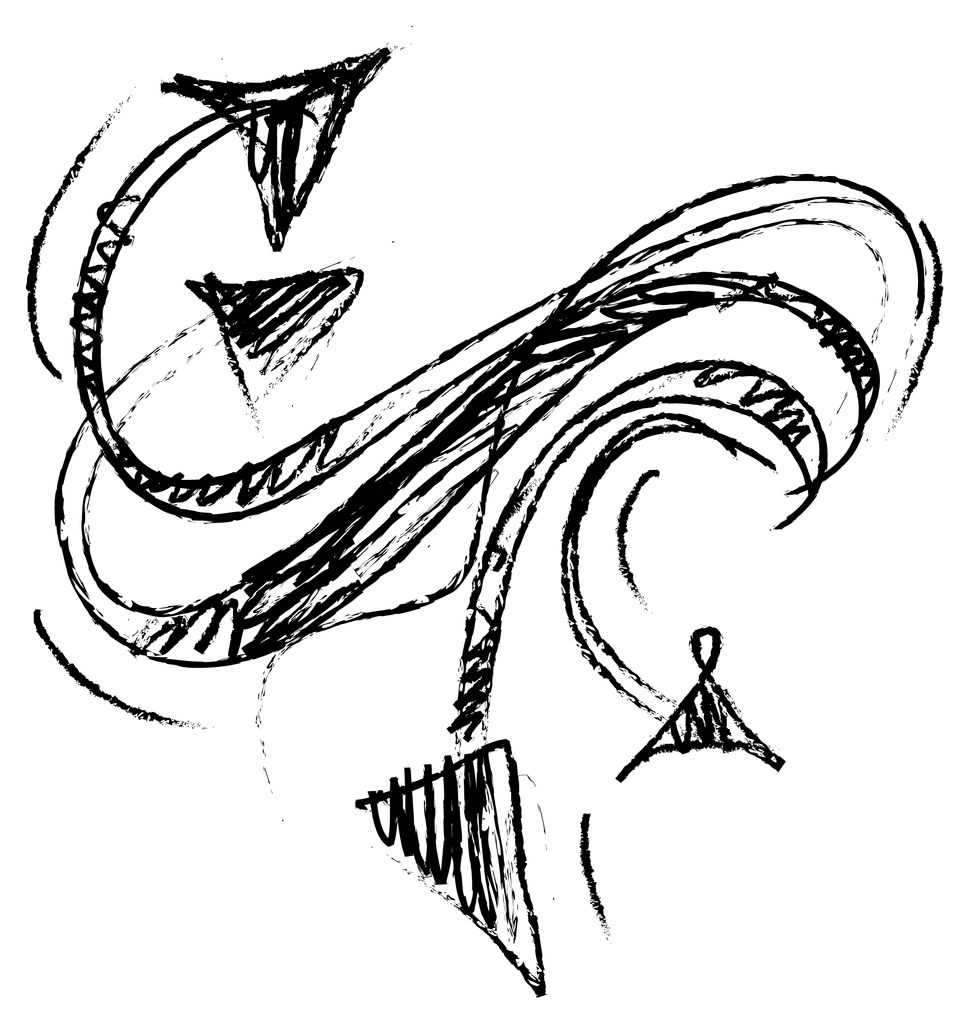
.scribble-chaos
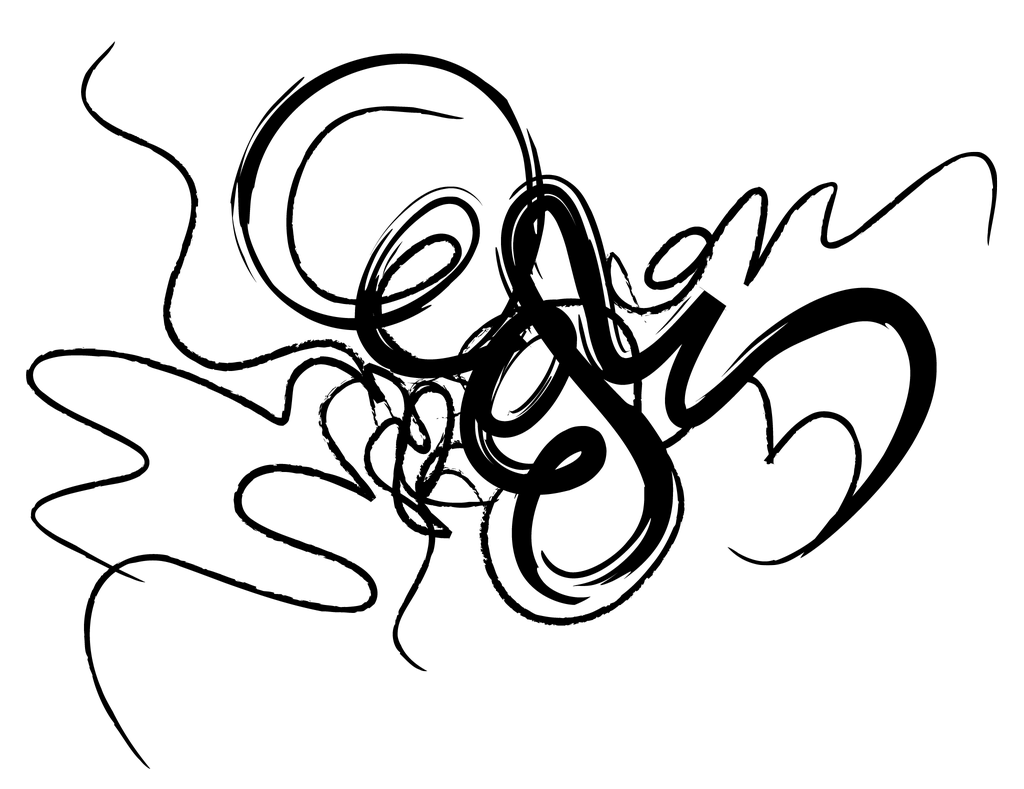
.scribble-grid
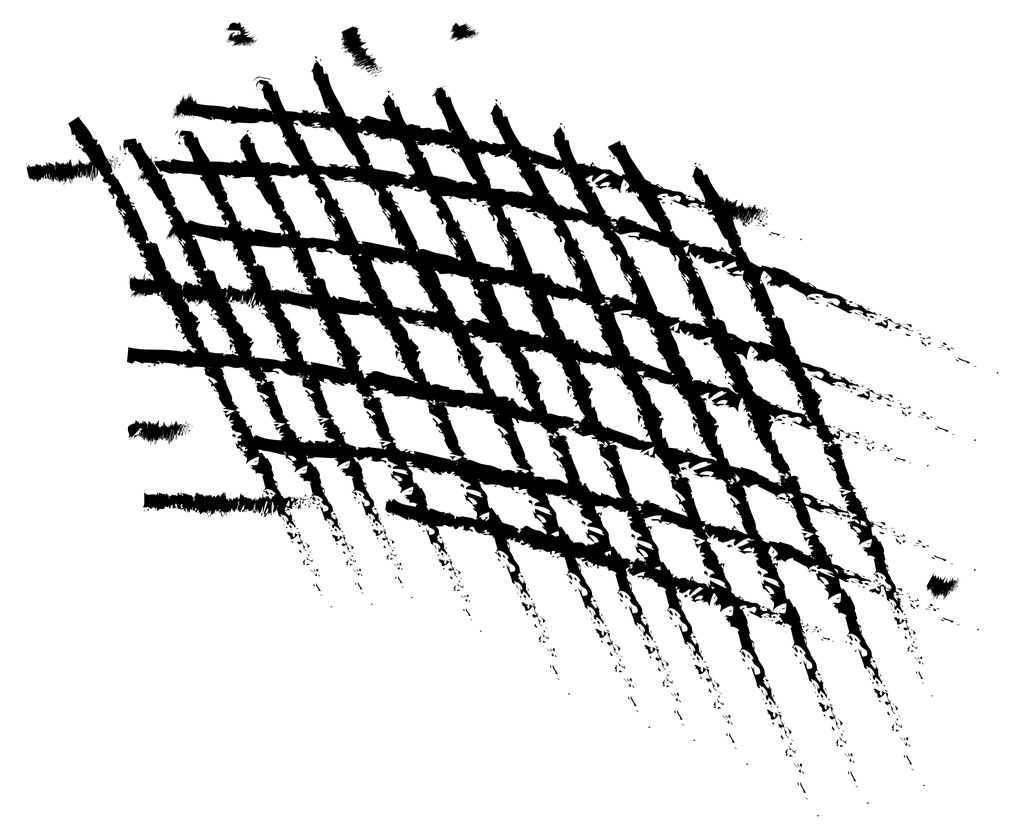
.scribble-strike
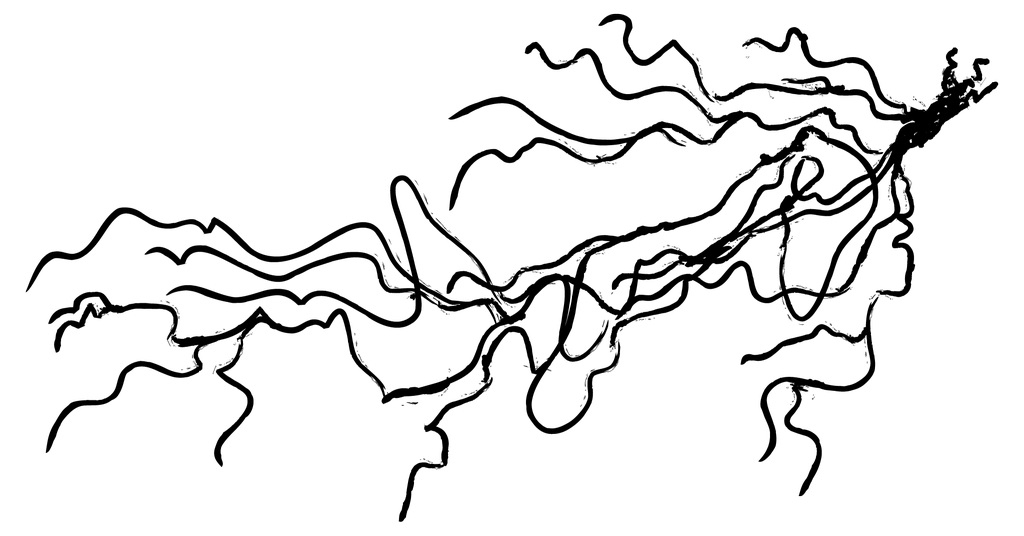
.scribble-vibes
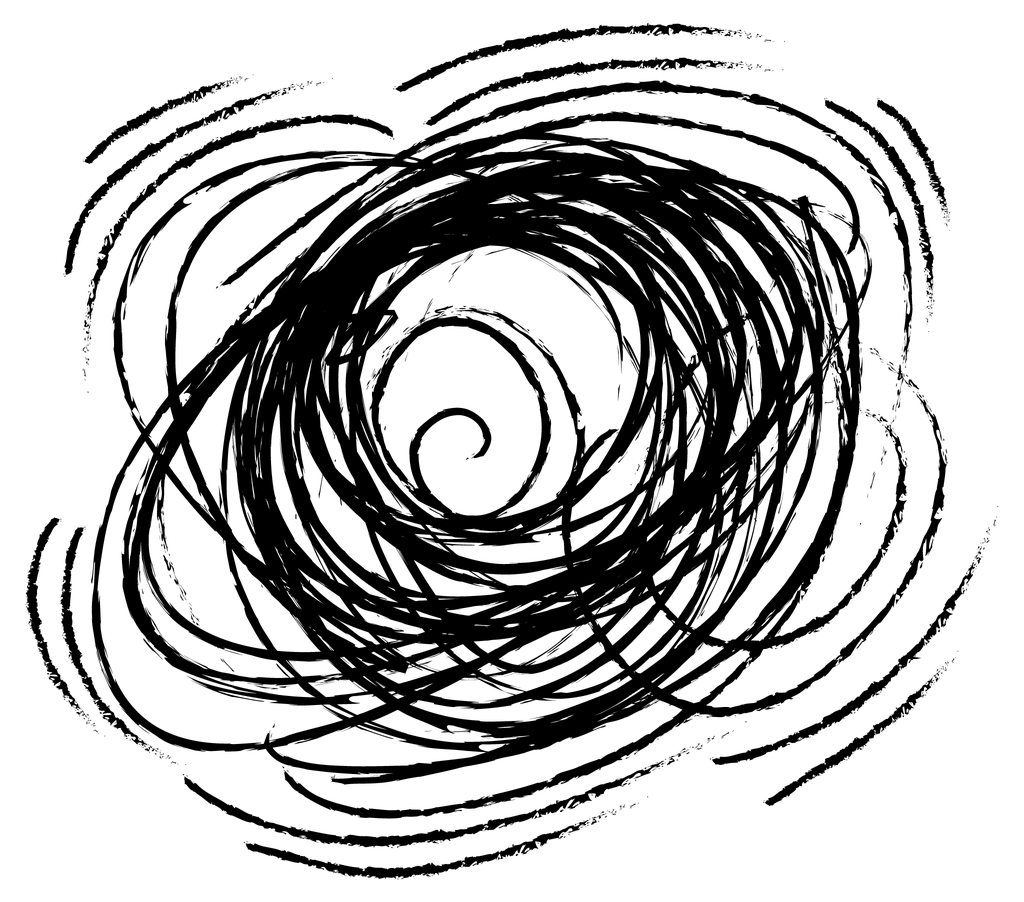
.spiral-scare
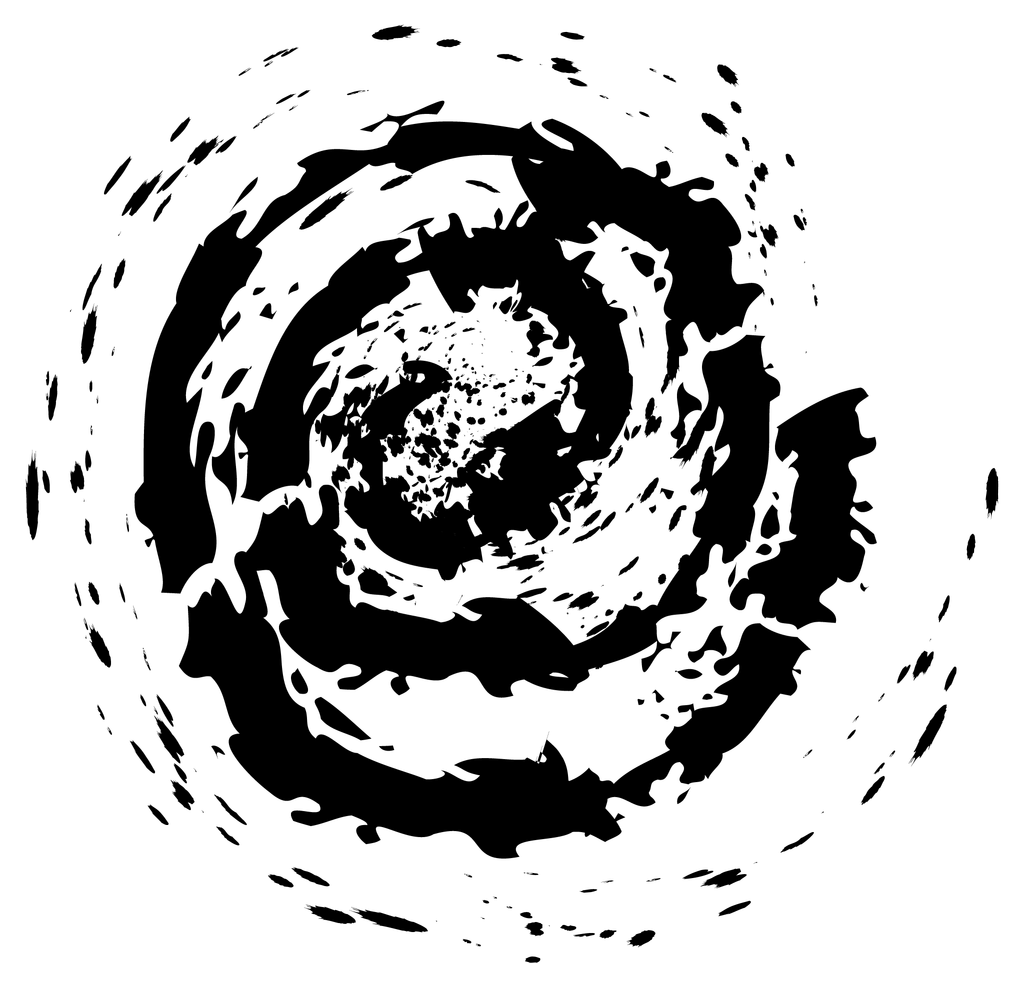
.star-scribble
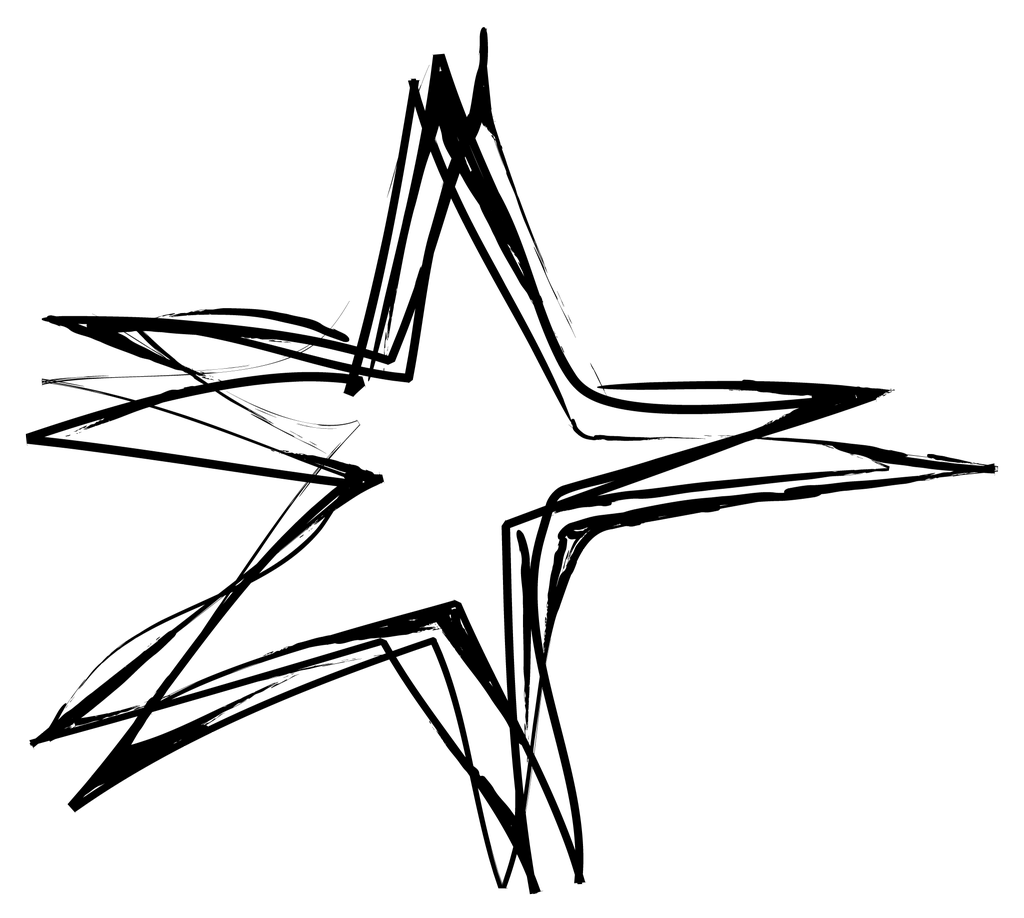
.whirly-scribble
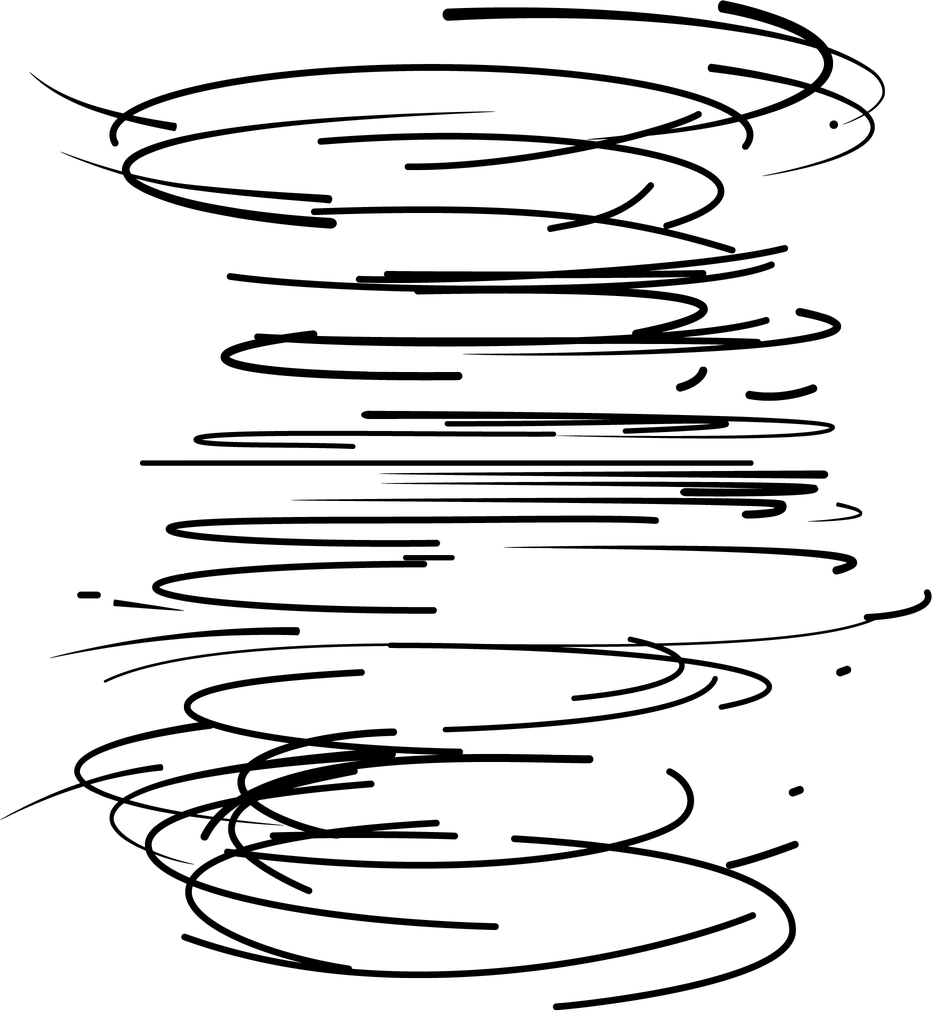
.hex-tech
.radial-sectors
.radial-binary
.string-binary
.hexabar

.hive-tech
.tech-hexabar
We can mask bad-asset elements to create complex and chaotic designs. We only need to add the class .masked to a bad-asset element:
.bad.asset.asset-name.masked.
Masked bad-asset elements already contain the asset as the mask image, so nothing else is needed.
NOTE: Due to browser security, masked elements can only be viewed on a live site. If working offline on a local machine, a masked element will not render.
Basic mask example with animated gradient background:
Animated text overlaying masked element with animated background:
Animated masked elements of varying sizes, stacked:
Perforated notebook-paper with xlarge strawberry love scribble.
Basic masked halftone with pattern background:
Basic image overlaying masked grunge frame: